Unleashing QuickBooks Online Advanced: A Deep Dive into Spreadsheet Sync
Hey there! So, you’ve made it here after our bustling event at Scaling New Heights this year, where Alicia presented a breakout session entitled “Tell Me About It! Advanced Reporting in QBO.” Didn’t she just reveal some dazzling tricks to pull out detailed reports from Intuit’s QuickBooks Online? It was surely one amazing class.
But hey, remember all those intriguing questions you guys asked? They were so great that Alicia decided to prioritize answering them over sticking to her slides. And guess what? Even after 100 riveting minutes, we ran out of time. What a class, right?
Due to the time crunch, we had to skip a fantastic feature that Alicia had saved for the grand finale – Spreadsheet Sync. Yes, you heard it right. We know that’s what you were all eager to learn about. But worry not, we’ve got you covered!
What’s Spreadsheet Sync?
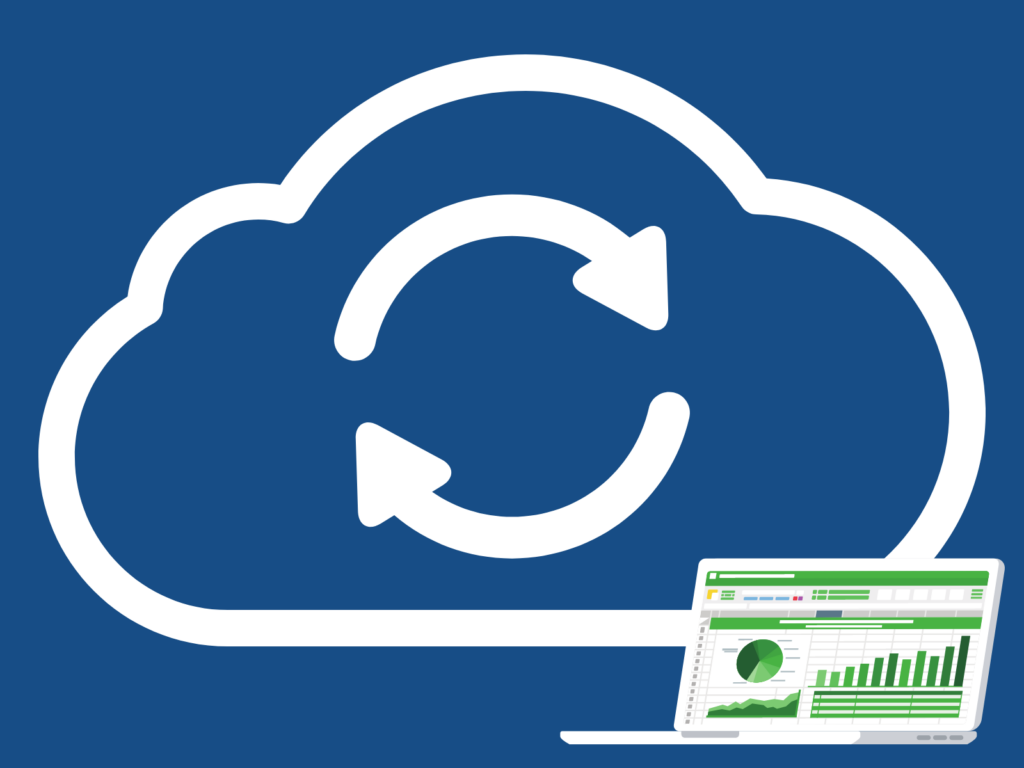
Spreadsheet Sync, a feature available in QuickBooks Online Advanced, offers a seamless link between QuickBooks and Microsoft Excel. It’s like having a data management wizard in your toolbox! You can create live reports and alter data directly in tables, and it’s compatible with both Mac and PC. Set it up once, and it’s all yours to use whenever you need it.
Simply go to QuickBooks Online and click on Spreadsheet Sync. And just like that, you’re all set to explore the wonders this tool has to offer. Whether you need to run a report, manage budgets, or add new data, Spreadsheet Sync is up for the task. The cherry on top? It can compile reports for multiple companies at once.
But there’s more…
Spreadsheet Sync does not stop at just linking QuickBooks Online Advanced with Excel. It takes it one step further by allowing you to view and manipulate your QBO data in Excel, using Excel’s spreadsheet tools. You can add, delete, and update your information while looking at it in a grid instead of reports. Handy, isn’t it?
In the accompanying video, Alicia will walk you through how to use Spreadsheet Sync to update your Chart of Accounts, generate a combined multi-company Balance Sheet, import a Budget, and save a formatted report that you can update again later. Exciting, right?
Silver Lining: You Get the Recording!
Even though Alicia couldn’t cover all the aspects of her presentation at SNH, here’s the silver lining: You get access to the recording!
If you’re keen to learn more about running reports in QBO, Alicia’s other courses at the Royalwise OWLS (On-Demand Web-based Learning Solutions) are just a click away:
– Running Reports to Analyze for Growth: Visit Here
– Advanced Reporting with Hector Garcia: Visit Here
We hope this post and the accompanying video will help you make the most of Spreadsheet Sync and amp up your QuickBooks Online Advanced experience. Keep exploring, and happy learning!