
- Master Your Mac, Stress-Free
iMac training made easy and actually fun!
Your iMac is more than just a computer, it’s your gateway to creativity, productivity, and connection. With Jamie’s training, you’ll learn how to make the most of your Mac without the overwhelm.

iMac Training
Confidently navigate your iMac.
Switching to Mac or simply want to level up your skills? Our iMac training is designed to make learning approachable, enjoyable, and tailored to your needs. From basic navigation and file management to pro-level tips and shortcuts, Jamie helps you turn your iMac into your favorite tool, not a source of frustration.
iMac Training
Apple Expertise
Jamie’s an Apple guru with years of experience, so you’re learning from the best.
iMac Training
Practical Skills
iMac Training
Fun Learning Style
Learn At Your Pace
On-Demand iMac Training
Jamie’s online iMac courses give you the flexibility to learn anytime, anywhere. Each lesson is broken down into bite-sized, easy-to-follow segments that cover everything from setup and updates to productivity apps and creative tools.
- MacOS Basics
- How to Use Apple Mail
- How to Set Up Your Calendar
- How to Surf the Web on Safari
- How to Make Sure Your Mac is Backed Up
- And much more
Online Course
What's New in macOS Tahoe 26
Your Mac computer has a brand new operating system, called macOS Tahoe 26! It has dozens of new and improved features. Join us and see all the new things you can do!
- 1 Hour
- 3 Videos
- Self Paced
Online Course
Mac Basics: 3 Essential Courses for Your Mac
Learn to use an iMac or MacBook Pro laptop in this Mac class for beginners. Get training on Apple’s Finder, software, and apps, on macOS so you can work smarter & have a great time!
- 6 Hours
- 12 Videos
- Self Paced
Online Course
Don't Get Scammed: Jamie's Online Safety Guide
Arm yourself with knowledge! Let’s have a frank discussion about internet safety & what you can do to protect yourself from modern-day cyber criminals using “Jamie’s 3 Rules of Internet Safety”.
- 1 Hour
- 6 Videos
- Self Paced
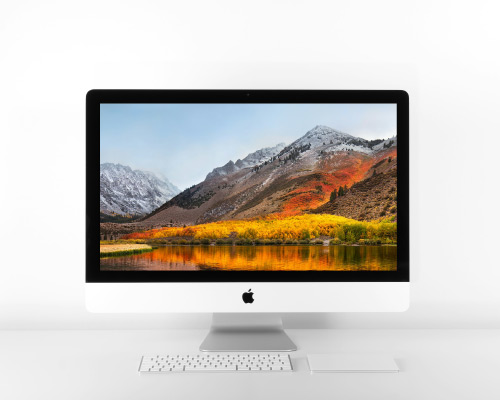
Learn Together
Join our live iMac training classes.
Want real-time answers and hands-on demos? Join Jamie’s live iMac training sessions! You’ll explore new features, get troubleshooting support, and learn tips and tricks you can apply instantly.
- Ask your questions and get immediate feedback
- Stay updated with Apple’s newest iMac features
- Learn with others and share experiences
- Build confidence through guided practice
Work Directly with Jamie
One-on-one iMac coaching.
Every iMac user has unique goals, whether it’s streamlining work tasks, learning creative apps, or just feeling at home with macOS. Jamie’s one-on-one training is built entirely around your needs, so you get personal guidance to achieve exactly what you want.
Custom Lessons:
Get training tailored to your workflow, apps, and comfort level.
Solve Problems Fast:
Fix issues and learn lasting solutions with Jamie’s expert help.
Build Lasting Confidence:
Feel comfortable and capable using your iMac every day.
Contact Us
Unlock the full power of your iMac.
With courses, live classes, and private coaching, Royalwise makes Mac training simple, stress-free, and (dare we say) fun.