Hey everyone, let’s talk about something that’s often overlooked but absolutely crucial for a healthy financial life – your Chart of Accounts in QuickBooks Online (QBO). Whether you’re a seasoned bookkeeper, a small business owner wearing multiple hats, or just starting your entrepreneurial journey, understanding your Chart of Accounts (COA) is like having a clear roadmap to your business’ organizational performance.
Think of your COA as the foundation of your entire QBO file, the backbone of your financial reporting. It’s the key to understanding where your money is coming from, where it’s going, and ultimately, how profitable your business truly is.
What Exactly is This Chart of Accounts Thing?
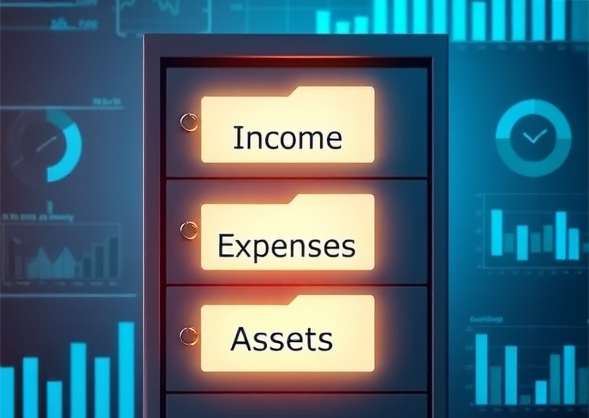
In simple terms, your Chart of Accounts is a list of all the accounts you use to categorize your financial transactions. It’s the organized filing cabinet for everything from your bank accounts and credit cards to your income streams and various expenses.
Why Should I Care?
Here’s why it’s a big deal:
-
- Taxes Made Easier: Your Chart of Accounts provides the data your accountant needs to prepare your taxes accurately and efficiently.
- The Foundation of Key Reports: The COA is the source of your Balance Sheet and Profit & Loss reports – the two essential reports that tell you the financial story of your business.
- Business Intelligence at Your Fingertips: Your COA allows you to track your income and expenses, identify trends, and make informed decisions about your business. Do you need to cut back on certain expenses? Is a particular service more profitable than you thought? Reports based on your Chart of Accounts hold the answers.
Navigating the Chart of Accounts: A Breakdown
Let’s dive into the different sections and understand what each one represents:
Assets: What You Own
This section includes:
-
- Bank Accounts: All your checking and savings accounts, even those with minimal balances.
-
- Accounts Receivable (A/R): Money owed to you by customers for invoices you’ve sent.
-
- Inventory: The value of your unsold products (if applicable).
-
- Fixed Assets: Your big-ticket items like vehicles, equipment, and buildings.
Liabilities: What You Owe
Here you’ll find:
-
- Accounts Payable (A/P): Money you owe to vendors for bills you haven’t paid yet.
-
- Credit Cards: Balances on your business credit cards.
-
- Loans: Any outstanding loan balances.
Equity: The Value of Your Business
This section represents the owner’s stake in the company and includes:
-
- Owner’s Investment/Contributions: Money the owner has put into the business.
-
- Owner’s Distributions/Draws: Money the owner has taken out of the business.
-
- Retained Earnings: The accumulated profits of the company over time.
Income: Your Revenue Streams
This section categorizes your different sources of income, such as:
-
- Sales of Product Income: Revenue generated from selling physical products.
-
- Service Income: Revenue generated from providing services.
Cost of Goods Sold (COGS): Direct Costs of Making Sales
This includes expenses directly related to producing the goods or services you sell, like:
-
- Materials and Supplies: Raw materials used in manufacturing or providing services.
-
- Direct Labor: Payments to contractors directly involved in production.
Expenses: Your Overhead Costs
This section encompasses all your operating expenses that you would incur even if you had no sales, including:
-
- Rent: Your monthly or annual rent payments.
-
- Utilities: Costs for electricity, gas, water, etc.
-
- Advertising: Expenses related to marketing and advertising.
-
- Bank Charges: Fees, interest, and merchant services.
Customizing Your Chart of Accounts: Making it Your Own
While some categories in the Chart of Accounts are required by QBO to function, the beauty of QuickBooks Online is that you can tailor your Chart of Accounts to fit your specific business needs. Here are some tips:
-
- Use Your Language: Rename your accounts using terminology that makes sense to you and your team.
-
- Start Simple, Add as Needed: Avoid clutter by starting with essential accounts and adding more as your business grows and evolves.
-
- Utilize Subaccounts: Break down broader categories into more specific subcategories for detailed tracking (e.g., breaking down “Marketing Expenses” into “Social Media Ads” and “Print Advertising”). If you implement subaccounts, be sure to have all the options you need, and only categorize to these accounts. Avoid coding to the header account.
-
- Inactivate Unused Accounts: Keep your Chart of Accounts clean and organized by inactivating accounts you no longer use.
-
- Merge Redundant Accounts: Combine accounts that are essentially tracking the same thing to avoid unnecessary duplication.
The Power of Reports: Unveiling Your Financial Story
Your customized Chart of Accounts fuels your key reports, providing valuable insights into your business performance.
-
- Balance Sheet: Shows your assets, liabilities, and equity at a specific point in time, giving you a snapshot of your company’s financial health.
-
- Profit & Loss (P&L): Illustrates your income, COGS, and expenses over a period of time, revealing your profitability and areas for improvement.
Ready to Master Your Chart of Accounts and Unlock the Full Potential of QuickBooks Online?
Understanding your Chart of Accounts is the cornerstone of effective financial management in QBO. If you’re ready to dive deeper, learn insider tips and tricks, and truly master this essential element of QuickBooks Online, I invite you to join my online class, “The Chart of Accounts in QuickBooks Online.”
This class will empower you to:
- Understand the nuances of each account category and detail type.
- Confidently customize your Chart of Accounts.
- Leverage your Chart of Accounts to generate insightful reports and make informed business decisions.
Don’t let your Chart of Accounts remain a mystery. Take control of your financial data and unlock the full potential of QuickBooks Online. I look forward to seeing you in class!
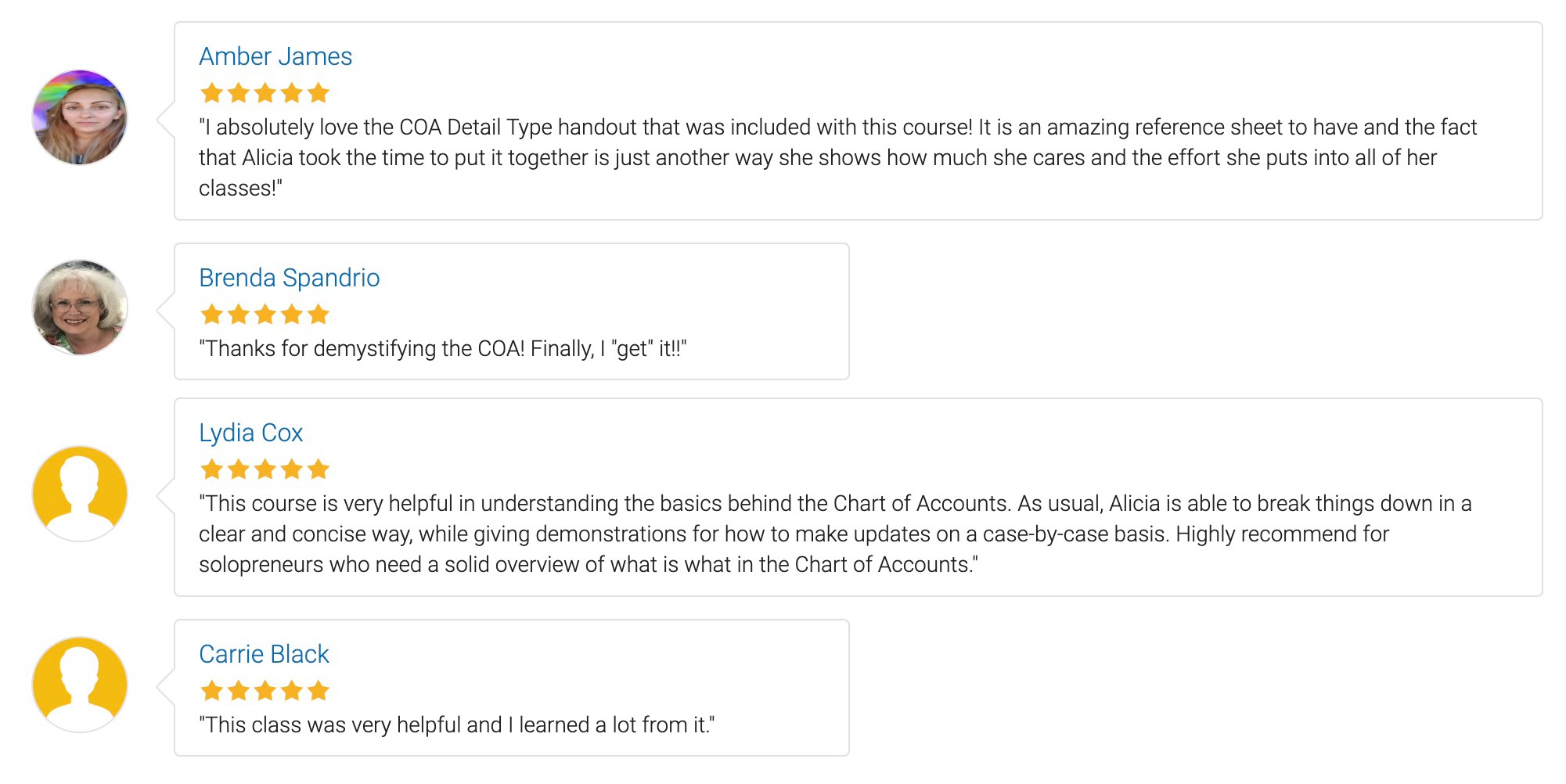
Why Our QuickBooks Chart of Accounts Course Is a Game Changer: Hear It from Our Participants
Enroll in my course on setting up and mastering the QuickBooks Online Chart of Accounts. Participants rave about the clarity and depth of content, highlighting how it demystifies complex bookkeeping principles and tailors the Chart of Accounts to their unique business needs. This course offers practical lessons on everything from understanding basic accounting terms to customizing your COA for accurate financial reporting.
Whether you’re a new QuickBooks user or looking to refine your accounting skills, this course is designed to provide you with the tools to effectively manage your financial reports. Don’t miss the chance to transform your accounting practices with expert insights and guided learning. Join now and see why attendees consistently praise the real-world applicability of our training!