
- LIVE · AI-FOCUSED · QBO TRAINING
Master AI in QuickBooks® Online
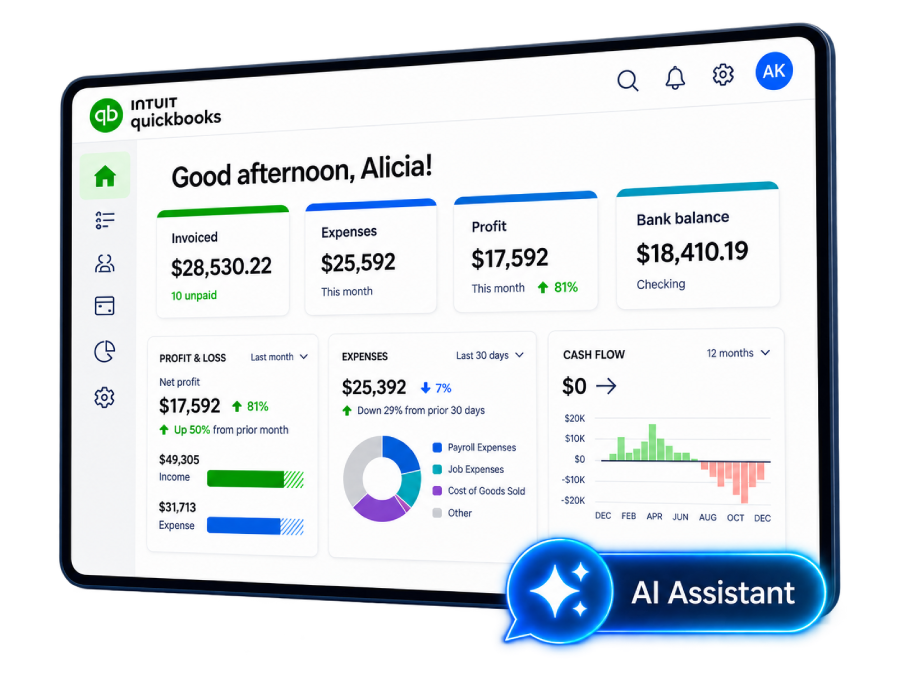
QuickBooks Online has a growing collection of AI-powered agents that can now help with everything from bank feeds and reconciliation to invoicing, forecasting, payroll, and business insights.
In this practical 2-hour class, Alicia Katz Pollock shows you what these new AI tools actually do, where they can save you time, and where human judgment still matters.
- Course Dates: September 9, 2026
- Live Classes: Wednesday
- Class Time: 9:00 AM – 11:00 AM PT
2 Hours of Focused QBO Training
Spend one focused session learning how AI is changing the QuickBooks Online workflows you already use.
2 CPE Credits
Earn professional development credit while building practical AI and QuickBooks knowledge.
Lifetime Access to the Recording
Rewatch, pause, rewind, and revisit the class whenever you need a refresher.
Downloadable Class Materials
Keep the notes, slides, handouts, checklists, and supporting materials provided with the course.
Course Discussion & Q&A
Ask follow-up questions and get help understanding how these tools apply to your own QuickBooks workflows.
Certificate of Completion
Complete the course requirements and receive your Royalwise certificate of completion.
- AI IN QUICKBOOKS ONLINE
Made for the people who actually use QuickBooks.
Bookkeepers
Spend less time on repetitive bookkeeping tasks and learn where AI can help you become a more efficient, higher-value advisor to your clients.
Accountants
Understand the AI-powered workflows appearing inside QBO so you can review automated work intelligently and help clients use these tools responsibly.
Small Business Owners
Discover where QuickBooks can take work off your plate, surface useful information, and help you spend less time buried in administrative tasks.
Business Advisors
Learn how QuickBooks' expanding AI capabilities can surface trends, risks, opportunities, and financial insights you can turn into better conversations with clients.

- Course Content
What You’ll Learn
QuickBooks is moving beyond isolated AI features toward specialized agents designed to assist with different parts of running and understanding a business.
In this class, you’ll explore how these tools fit into real QuickBooks workflows and what they mean for the people using QBO every day.
Accounting Agent
Bank Feeds · Reconciliation · Anomaly Detection
See how AI can assist with transaction review, categorization, bank-feed accuracy, anomaly detection, and reconciliation.
The goal isn’t to stop reviewing the books. It’s to spend less time doing repetitive work so your attention can go where it matters most.
Payments Agent
Invoicing · Cash Flow · Automated Reminders
Explore how AI can help manage invoicing, payment follow-up, and cash-flow insights.
You’ll see where automation can reduce the administrative burden of getting paid while still keeping you in control of customer relationships and financial decisions.
Customer Agent
CRM · Lead Tracking · Signature Requests
QuickBooks is expanding beyond traditional bookkeeping.
Learn how AI-assisted customer tools can help organize leads, customer relationships, and follow-up activities inside the broader QuickBooks ecosystem.
Finance Agent
Performance Highlights · Forecasting · KPI Dashboards
Move beyond recording what already happened.
Explore how AI can help interpret financial performance, identify meaningful changes, support forecasting, and turn QuickBooks data into information you can actually use to make decisions.
Payroll Agent
Time Tracking · Compliance · Employee Onboarding
See how AI is beginning to support payroll and workforce workflows, from tracking employee information to assisting with compliance and onboarding tasks.
Analytics Agent
Business Intelligence · Trends · Financial Analysis
Learn how AI can help surface patterns and trends that may otherwise stay buried inside reports and transactions.
Instead of spending all your time finding the information, you can spend more time understanding what it means.
Conversational Business Intelligence
Ask Questions · Explore Scenarios · Find Answers
What if using your QuickBooks data started to feel more like having a conversation?
Explore how natural-language tools allow you to ask questions, investigate financial information, and analyze scenarios without building every report from scratch.

- THE BIGGER PICTURE
The real skill isn't using AI. It's knowing when to trust it.
AI can categorize a transaction. It can identify an anomaly. It can generate a forecast, suggest an action, summarize a trend, or automate a follow-up.
But none of that eliminates the need to understand your books.
Throughout this class, Alicia will help you develop the human side of working with AI: knowing what to review, what to question, what to approve, and when an automated recommendation needs a knowledgeable person to step in.
Because the best QuickBooks workflow isn’t human or AI. It’s knowing how to use both.
- Alicia Katz Pollock
Meet your QuickBooks Online instructor.
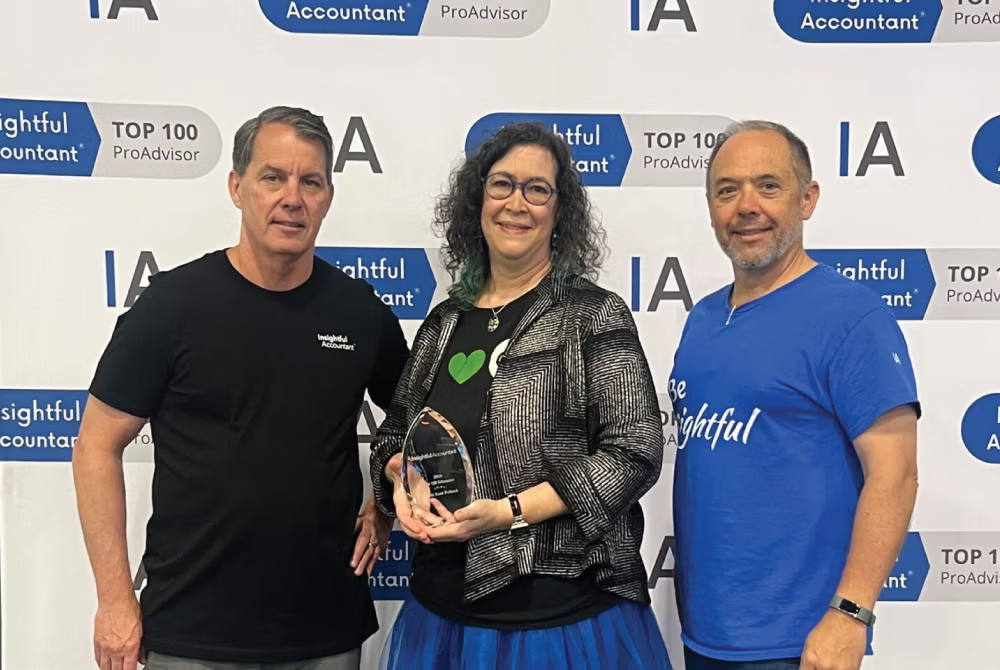
Alicia was named Insightful Accountant’s 2026 Top ProAdvisor Educator, and she has built her career around making QuickBooks Online easier to understand for bookkeepers, accounting professionals, and business owners.
In this course, you’re not learning from random internet advice. You’re learning from someone who knows both the software AND how to teach it clearly.
Insightful Accountant Top Educator
Award Won: 2026
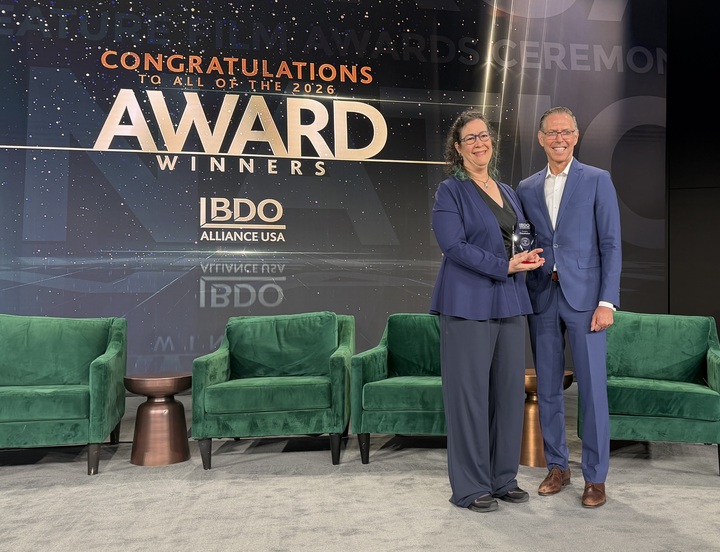
BDO Alliance USA Excellence Award - Growth Strategy
Award Won: 2026
MYCPE ONE Top Educators
Awards Won: 2024-2025
Queen of QuickBooks (Intuit)
Awards Won: 2023–2024
Top 50 Women in Accounting (Ignition)
Award Won: 2023

- SPONSORED BY VELTRIX
Spend less time digging through the books.
Veltrix helps accounting professionals quickly see where their clients need help.
It analyzes business data to identify risks and opportunities and helps uncover what’s behind them, giving accountants more information to advise clients proactively without spending hours searching through the books.
Royalwise students can use code ROYALWISE for 100% off their first two months.
- REAL RESULTS
What our past students say!
Here’s what bookkeepers, accountants, and business owners who completed this hands-on program had to say.
This is real feedback from people who walked in unsure and walked out running their books with confidence.
"Totally worth it!"
“This class is totally worth it! Alicia is very patient and answers ALL questions. Getting to actually DO the processes really helps to learn them. I feel like I have a much better grip on QBO now.”
J.J. Jackson
“A literal hands-on course.”
“This is a literal hands on course where you learn exactly what to do in QuickBooks. Excellent course for anyone who uses QuickBooks, no matter how experienced you are (or are not!).”
Brenda Spandrio
“A must for beginners and experienced users.”
“This course is a must for anyone from the experienced to the beginner wanting to learn how to effectively and efficiently use QuickBooks.”
Chase Nesbitt
“Alicia is very patient.”
“Alicia was a great trainer! She is very patient with everyone!
This is a great course to take if you want to learn QBO.”
Janice Kats
- Enroll Today
Now $70.00
Regular Price: $100.00
Save $30.00
2 Hours of Training
9:00 AM – 11:00 PM PT
2 CPE Credits
Professional Development Credit
Recording Access
Revisit Whenever Necessary
Spend two focused hours with Alicia learning what QuickBooks AI can do, where it can save you time, and how to keep the human intelligence behind your books.
- Course Questions
Frequently Asked Questions (FAQs)
Get clear answers about the course format, time commitment, cost, certification prep, and whether this training is the right fit for you.
1. Do I need to be an AI expert to take this class?
Not at all.
This isn’t a course about building AI models, writing code, or becoming an AI expert. It’s about using the AI-powered tools appearing inside QuickBooks Online.
If you already use QBO and want to understand what these new features do, you’ll be right at home.
Do I need QuickBooks Online experience?
Yes, some prior QuickBooks Online experience is recommended.
This is an intermediate course focused specifically on AI-powered workflows rather than an introduction to QuickBooks itself. Royalwise’s QuickBooks Online Bootcamp or equivalent QBO experience will give you the foundation you need.
Is this class for bookkeepers or business owners?
Both.
Bookkeepers, accountants, and ProAdvisors can learn how AI may reduce repetitive work and support higher-value client advisory services.
Business owners can learn how the same tools may automate administrative tasks, improve visibility into their finances, and help them make more informed decisions.
Is AI going to do my bookkeeping for me?
No, and that’s an important part of this class.
QuickBooks’ AI tools can assist with tasks, surface information, and make recommendations, but users remain responsible for reviewing and deciding how those suggestions are used.
A major focus of the course is understanding where automation helps and where knowledgeable human review still matters.
What AI tools will the class cover?
The course explores AI-powered capabilities across accounting, payments, customer management, finance, payroll, analytics, and conversational business intelligence.
You’ll look at practical applications including bank feeds, reconciliation, anomaly detection, invoicing, cash-flow insights, forecasting, KPI dashboards, payroll workflows, trend analysis, and natural-language financial questions.
Are all of these AI features available in every QuickBooks Online subscription?
Not necessarily.
Some AI-powered features and financial dashboards may depend on your QuickBooks Online subscription level. One of the learning objectives of the class is understanding which capabilities may be tied to specific QBO plans.
Will I receive a recording?
Yes.
Your enrollment includes lifetime access to the class recording, so you can revisit the material whenever you need a refresher.
That’s especially useful for a topic like AI in QuickBooks because you’ll be able to return to Alicia’s explanations as you begin encountering these tools in your own workflow.
Does the class qualify for CPE credit?
Yes. The course will include 2 CPE credits.
Royalwise Solutions Inc. is registered with the National Association of State Boards of Accountancy (NASBA) as a sponsor of continuing professional education on the National Registry of CPE Sponsors. Individual state boards of accountancy have final authority regarding acceptance of CPE credits.
What happens after I enroll?
You’ll receive access to the Royalwise learning platform, where you’ll be able to access the course materials and class information.
After the live class, the recording will also be available through your course account for future review.

LIVE · AI-FOCUSED · QBO TRAINING
Ready to master AI in QuickBooks® Online?
Learn what QuickBooks Online AI tools do, understand where they fit, and start putting AI to work in the QuickBooks workflows you already use.