Look What I Found! QuickBooks Payment Links!
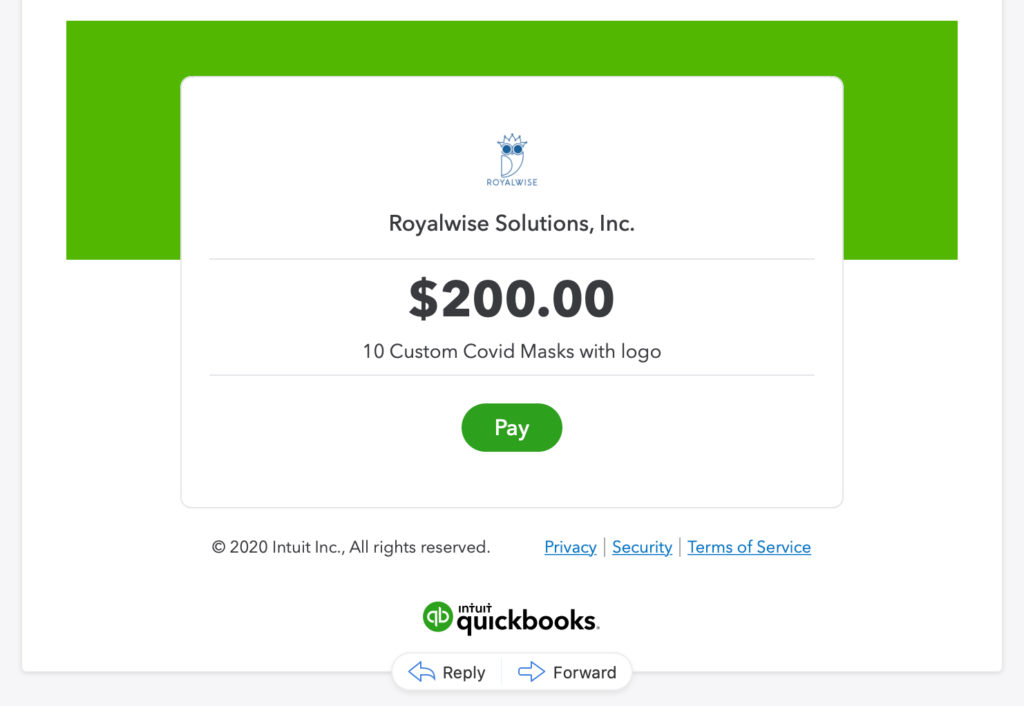 Do you need to send a client a quick link to get paid, without an invoice that adds to A/R? Using Payment Links in QuickBooks Online gives you the flexibility to ask for money in a whole new way.
This new option appears in QBO in the Business View when you have QuickBooks Payments merchant services.
The feature emails a payment link, generates a hyperlink that you can copy and send by text, and offers a QR code as well.
All methods lead straight to your QB Payments portal so that your clients can pay by credit card or ACH.
After your client pays, QuickBooks Online creates a Sales Receipt automatically.