After a recent iOS 7 update, when I’m on a phone call and I turn on my car, the car switches the call to my car’s Bluetooth speakers… and music starts playing too. It’s not only annoying, but it’s unprofessional as well!
Here’s how to stop it from happening:
 On iPhone
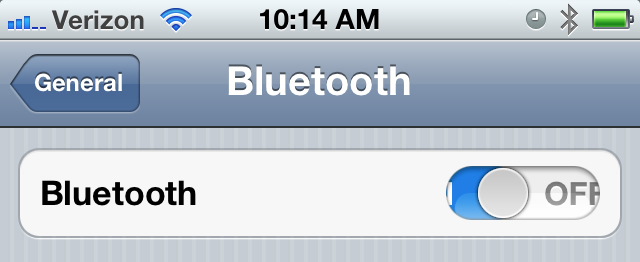
1. Settings -> Bluetooth ->Turn OFF Bluetooth
2. Settings -> Bluetooth ->Turn ON Bluetooth
3. Locate your car audio system -> Click the arrow icon -> Click “Forget this Device”
4. Settings -> Bluetooth ->Turn OFF Bluetooth
5. Close all open “Music” and “Phone” apps on your iPhone, including Pandora, YouTube, and any others.
On Vehicle
6. In your vehicle’s settings you must delete any existing Phone or Audio player profiles. Refer to your owners manual for these instructions.
7. Verify that you no longer have any Phone or Audio profiles existing in your vehicle’s audio system.
8. Turn OFF your vehicle completely -> Wait 30 seconds for your internal RAM to clear in your vehicle
9. Turn ON your vehicle.
10. Begin the process to pair your iPhone in your vehicle’s audio system. You should have the options to pair as a “Phone Only” or “Phone + Internal Audio”. Select whichever option applies to you. Your vehicle’s audio system should now provide you with a passcode for pairing.
On iPhone
11. Settings -> Bluetooth ->Turn ON Bluetooth
12. Select the newly detected Bluetooth audio player.
13. Enter Passcode -> Click “Pair” on the top right of the screen.
At this point your iPhone should work properly with all controls in your vehicle’s audio system.
Having a problem with your iPhone? Let us know in the comments. We may write about it in an upcoming post!