

- Intuit Accountant Suite
QBOA is going away. Get ready for what comes next.
On December 31, 2026, QuickBooks Online Accountant will officially be discontinued and Intuit Accountant Suite will take its place.
Join Alicia Katz Pollock for a hands-on tour of the new platform so you know where your familiar tools went, what’s changed, and how to use the powerful new features built for managing your clients, workflows, and team.
- Course Date: December 9, 2026
- Live Classes: Wednesday
- Class Time: 9:00 AM – 12:30 PM PT
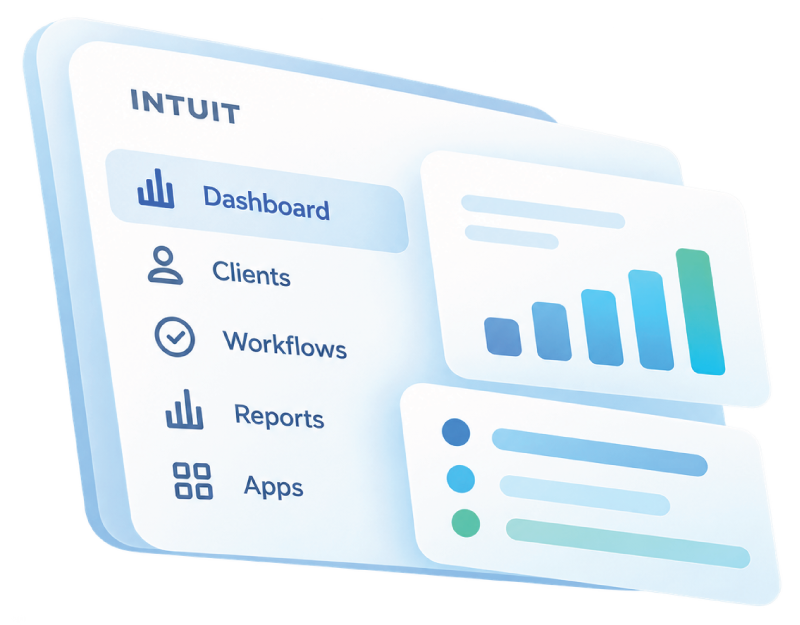
3 Hours of Live Training
Go beyond a quick feature tour with an in-depth walkthrough of Intuit Accountant Suite and the workflows accounting professionals need to understand.
3 CPE Credits
Earn 3 CPE credits while getting practical experience with the platform replacing QBOA.
Lifetime Replay Access
Attend live, revisit the material later, or catch up on anything you missed with lifetime access to the recording.
Downloadable Class Materials
Keep the supporting course resources available as you begin incorporating IAS into your practice.
Live Q&A
Bring your questions about IAS, QBOA, and the transition. Learn directly from Alicia and from questions raised by other accounting professionals.
Certificate of Completion
Complete the course requirements and receive your Royalwise certificate of completion.
- Intuit Accountant Suite
This class is built for Accounting Professionals.
QuickBooks Online Accountant is scheduled to be discontinued December 31, 2026, with Intuit Accountant Suite taking its place.
And IAS isn’t simply QBOA with a different name.
It introduces a broader set of tools for managing your clients, organizing your firm’s work, standardizing processes, understanding team capacity, and using Intuit Intelligence across your practice.
That means there’s a lot to learn.
Solo Bookkeepers
If QBOA is the center of your client work today, this transition directly affects you. Learn where your familiar tools are moving while exploring new ways to manage your clients and workload from one centralized platform.
CAS Practices
IAS goes beyond managing individual QuickBooks files. Explore tools for Projects, Tasks, Policies, Playbooks, client insights, and standardized processes that can help you build more repeatable workflows as your practice grows.
Accounting Firm Teams
When multiple people are responsible for multiple clients, visibility matters. Learn how IAS approaches Team Groups, capacity, workflow management, and firm-wide oversight.
QuickBooks ProAdvisors
Understand how IAS changes the environment you've been using through QBOA and explore the expanded tools and ProPartner resources available to accounting professionals.

- Course Content
What You’ll Learn
In this class, Alicia will take you inside Intuit Accountant Suite, show you how the new environment works, and help you understand how its expanded capabilities fit into the way accounting professionals actually work.
01 — Make the Move from QBOA to Intuit Accountant Suite
Start with the question every QBOA user is asking:
What exactly is changing?
Alicia will introduce the new Intuit Accountant Suite environment, explain its relationship to QBO and QBOA, and help you get oriented before diving into its expanded capabilities.
You’ll explore:
- The transition from QBOA to IAS
- The difference between QBO, QBOA, and IAS
- The new IAS environment
- Where familiar accountant tools live
- What accounting professionals need to know before QBOA is discontinued
02 — See What's Happening Across Your Client Base
Managing multiple clients shouldn’t require opening every company file just to figure out where your attention is needed.
IAS gives accounting professionals new ways to see what’s happening across their client base.
You’ll explore:
- Customizable dashboards
- Client Insights
- Books Close
- Client activity
- Firm-level visibility
- Ways to identify clients that need attention
Instead of thinking only one company file at a time, you’ll begin exploring your practice from a broader perspective.
03 — Manage the Work, Not Just the Books
Client accounting involves more than recording transactions.
There are deadlines to meet, tasks to complete, projects to manage, forms to file, and people who need to know what’s happening next.
IAS brings more of that work into the Intuit ecosystem.
You’ll explore:
- Projects
- Tasks
- Workflow management
- 1099 tools
- ProConnect integration
- Client subscription management
The goal is to understand how the new platform can become more than a doorway into individual QuickBooks files.
04 — Build Repeatable Systems for Your Practice
As an accounting practice grows, remembering how every individual client should be handled becomes harder.
Consistency becomes essential.
IAS introduces tools designed to help firms standardize the way work gets done across multiple clients.
You’ll explore:
- Policies
- Categorization policy templates
- Chart of Accounts templates
- Playbooks
- Repeatable workflows
- Standardized client setups
Turn the knowledge in your head into processes your practice can repeat.
05 — Manage Your Team at Scale
When you’re working alone, you know exactly what’s on your plate.
Add employees, contractors, or a growing client base, and suddenly that’s much harder to see. IAS introduces expanded tools for managing people and workload across the firm.
You’ll explore:
- Team Groups
- Capacity Insights
- Bulk team management
- Firm Hub
- Workload visibility
- Managing access and responsibilities across the practice
See not only what work needs to happen, but how that work is distributed across your team.
06 — Put Intuit Intelligence to Work Across Your Practice
AI becomes much more interesting when it can help you understand what’s happening across your accounting practice.
IAS incorporates Intuit Intelligence into the accounting professional’s environment, opening new ways to explore both client and firm-level information.
You’ll explore:
- Intuit Intelligence
- Asking questions across firm and client books
- Identifying trends
- Surfacing anomalies
- Calculating and exploring KPIs
- Using AI to investigate what’s happening across your practice
The goal isn’t simply to have AI available. It’s learning what questions are worth asking.
07 — Understand the Expanded ProPartner Ecosystem
IAS also changes the broader environment surrounding accounting professionals working with Intuit.
Alicia will help you understand the resources and benefits available through the new ProPartner ecosystem and how they fit into your relationship with Intuit’s products and services.
You’ll explore:
- ProPartner benefits
- Practice resources
- Connected Intuit tools
- Opportunities available within the expanded accountant ecosystem

- Practice Management Platform
This isn't just QBOA with a new coat of paint. It's becoming a Practice Management Platform.
The easiest way to think about Intuit Accountant Suite would be: “QBOA is getting replaced.” But that doesn’t tell the whole story.
QBOA primarily gave accounting professionals a way to access and manage their QuickBooks clients.
IAS is expanding that idea. Your clients are there, but so are:
- Projects and Tasks
- Client Insights and Books Close
- Policies and Playbooks
- Team Groups and Capacity Insights
- Templates and standardized processes
- Intuit Intelligence
- Tax and ProConnect tools
The bigger opportunity isn’t simply learning where Intuit moved the buttons. It’s understanding how these tools can work together as a system for managing an accounting practice.
- Before & After
From managing client files to managing your practice
Before Intuit Accounting Suite:
- Open individual client files to understand what's happening.
- Keep track of client work across separate systems and processes.
- Remember how different clients should be handled.
- Recreate similar setups again and again.
- Manually determine what your team is working on.
- React when something needs your attention.
After Intuit Accounting Suite:
- View insights across your client base.
- Organize work with Projects and Tasks.
- Standardize processes using Policies and Playbooks.
- Build repeatable setups with templates.
- Explore team workload with Capacity Insights.
- Use Intuit Intelligence to investigate firm and client data.
IAS gives accounting professionals the opportunity to think beyond managing a collection of QuickBooks files and toward managing the systems behind the entire practice.
- Alicia Katz Pollock
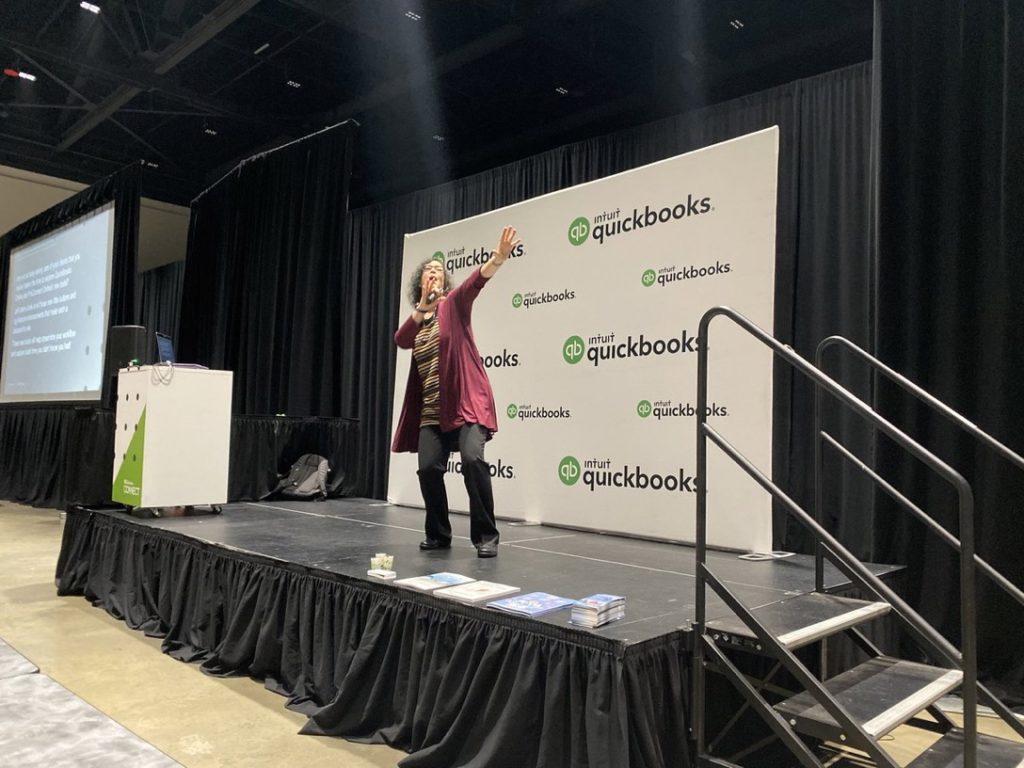
Meet your QuickBooks Online instructor.
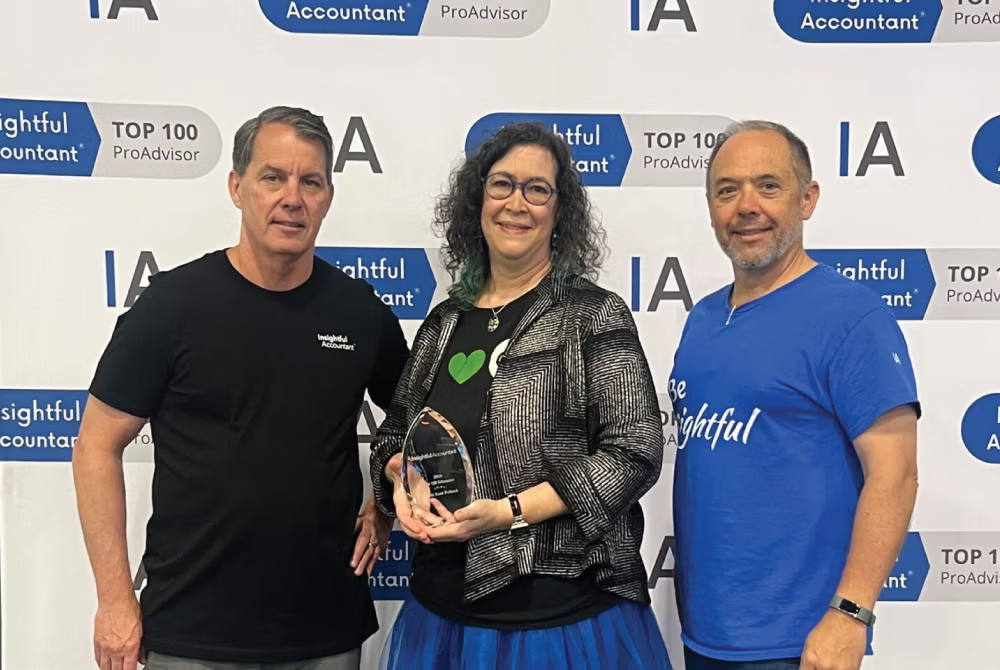
Alicia was named Insightful Accountant’s 2026 Top ProAdvisor Educator, and she has built her career around making QuickBooks Online easier to understand for bookkeepers, accounting professionals, and business owners.
In this course, you’re not learning from random internet advice. You’re learning from someone who knows both the software AND how to teach it clearly.
Insightful Accountant Top Educator
Award Won: 2026
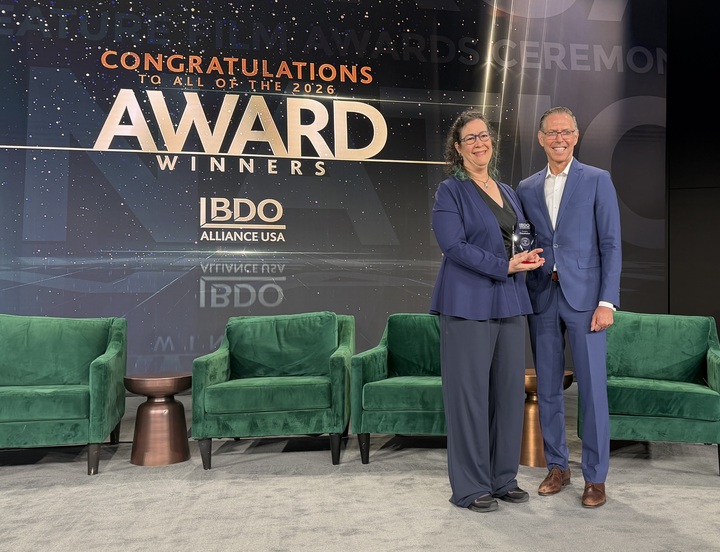
BDO Alliance USA Excellence Award - Growth Strategy
Award Won: 2026
MYCPE ONE Top Educators
Awards Won: 2024-2025
Queen of QuickBooks (Intuit)
Awards Won: 2023–2024
Top 50 Women in Accounting (Ignition)
Award Won: 2023

- Event Outcome
Three hours now can save a lot of confusion later.
You already know how disruptive software changes can be…. a familiar button moves, a workflow changes, a new feature appears, or something you’ve relied on for years suddenly works differently.
Now imagine making that adjustment while also managing deadlines and dozens of client files.
That’s why this course is happening before QBOA is discontinued. Give yourself time to learn the new environment while you can still explore it intentionally.
After the class:
- Understand how IAS differs from QBOA.
- Know where the major tools and workflows live.
- Understand how IAS approaches client and practice management.
- You've explored the new workflow, team, template, and AI capabilities.
- You can begin deciding how IAS fits into your practice before the transition becomes unavoidable.
- REAL RESULTS
What our past students say!
Here’s what bookkeepers, accountants, and business owners who completed this hands-on program had to say.
This is real feedback from people who walked in unsure and walked out running their books with confidence.
"Totally worth it!"
“This class is totally worth it! Alicia is very patient and answers ALL questions. Getting to actually DO the processes really helps to learn them. I feel like I have a much better grip on QBO now.”
J.J. Jackson
“A literal hands-on course.”
“This is a literal hands on course where you learn exactly what to do in QuickBooks. Excellent course for anyone who uses QuickBooks, no matter how experienced you are (or are not!).”
Brenda Spandrio
“A must for beginners and experienced users.”
“This course is a must for anyone from the experienced to the beginner wanting to learn how to effectively and efficiently use QuickBooks.”
Chase Nesbitt
“Alicia is very patient.”
“Alicia was a great trainer! She is very patient with everyone!
This is a great course to take if you want to learn QBO.”
Janice Kats
- Enroll Today
Now $90.00
Regular Price: $120.00
Save $30.00
3 Hours of Training
9:00 AM – 12:30 PM PT
3 CPE Credits
Professional Development Credit
Recording Access
Revisit Whenever Necessary
Spend one focused hour with Alicia learning what QuickBooks customization can do, where it can save you time, and how to make QBO work the way you work.
- Course Questions
Frequently Asked Questions (FAQs)
Get clear answers about the course format, time commitment, cost, certification prep, and whether this training is the right fit for you.
What is Intuit Accountant Suite?
Intuit Accountant Suite, or IAS, is Intuit’s new platform for accounting professionals.
It expands beyond traditional client access with tools for client insights, workflow management, standardization, team management, practice visibility, Intuit Intelligence, and connections to other Intuit products.
Is Intuit Accountant Suite replacing QuickBooks Online Accountant?
Yes. QuickBooks Online Accountant is scheduled to be discontinued on December 31, 2026, with Intuit Accountant Suite becoming the new environment for accounting professionals.
Is IAS just a renamed version of QBOA?
No.
While IAS includes access to familiar accountant functionality, it also introduces expanded practice-management capabilities including Projects, Tasks, Policies, Playbooks, Team Groups, Capacity Insights, templates, dashboards, and Intuit Intelligence.
Who should take this class?
This course is designed for accounting professionals, including bookkeepers, accountants, QuickBooks ProAdvisors, CAS practices, and accounting firm team members who need to understand the transition from QBOA to Intuit Accountant Suite.
Do I need QuickBooks experience?
Yes.
This course assumes previous experience with QuickBooks Online or QuickBooks Desktop. It is designed for accounting professionals rather than first-time QuickBooks users.
Do I need an Intuit ProPartner account?
Yes. A ProPartner account is a prerequisite for this course.
What will we cover?
The course explores the transition from QBOA to IAS along with dashboards, Client Insights, Books Close, Projects, Tasks, 1099s, ProConnect, client subscriptions, Team Groups, Policies, Playbooks, Capacity Insights, templates, Intuit Intelligence, and ProPartner benefits.
What if my IAS interface looks different?
Intuit continues to develop and roll out its products, so individual features and interfaces may evolve.
Alicia’s goal is not simply to teach you where today’s buttons are located, but to help you understand the new IAS structure and workflows so you can navigate the platform more confidently as it develops.
Do I have to attend live?
No.
Your enrollment includes lifetime access to the course replay, so you can revisit the training whenever you need it.
Does the course qualify for CPE?
Yes. This is a 3-CPE course when applicable participation requirements are met.

QBOA Is Going Away
You don't have to go into IAS unprepared.
Understand what’s changing. Find your familiar tools. Explore what’s new.
Learn how IAS can support your clients, workflows, team, and practice. And give yourself the time to make the transition intentionally.